

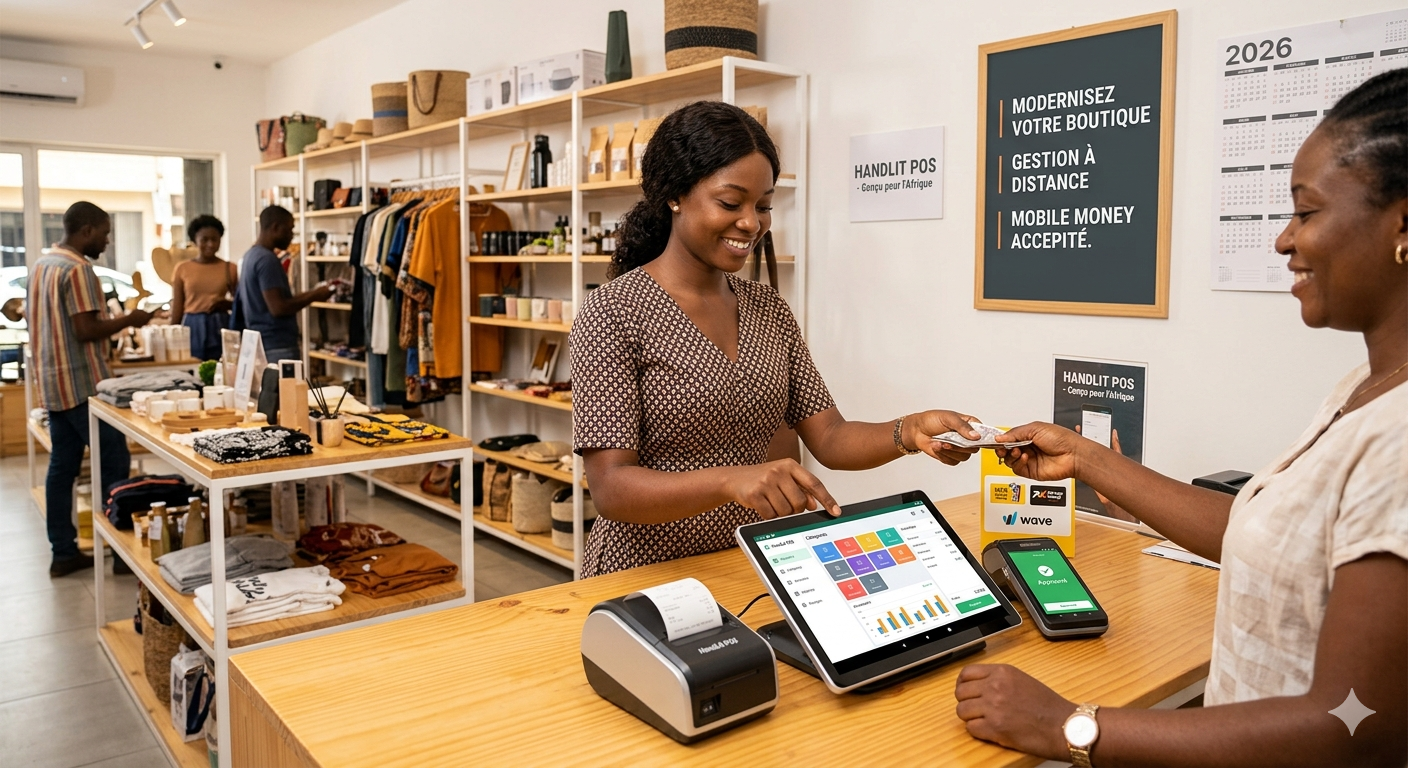
Saturday, 5 pm, the shop is full. The lights go out. The UPS takes over, the till screen stays on... but the software displays a message: "Connection failed. Please try again." The internet box went off with the power. Customers are waiting. The cashier pulls out the old notebook and starts recording sales by hand.
An hour later, the power comes back. Now some forty hastily noted sales have to be re-entered into the software. Some never will be. The stock is wrong, the till doesn't balance, and nobody will really know what was sold that Saturday evening.
This scenario is why so many Cameroonian retailers abandon their management software a few months after installing it. The problem wasn't the software itself: it had been designed for an environment where electricity and internet never cut out.
In Cameroon, power cuts and unstable connections are part of daily life for many businesses. Management software that stops at every outage isn't a reliable tool: it's a tool that sends your teams back to the notebook. This guide explains why offline operation is a deal-breaker criterion, how it works, what questions to ask, and what tests to run before choosing.
What an outage really costs "fully online" software
When software only works with internet, every outage triggers a chain of problems:
- Sales stop or move to the notebook. Customers wait, some leave.
- Sales noted by hand are re-entered later, with omissions, pricing errors and wrongly identified items.
- The stock becomes wrong. Sales that aren't re-entered are never removed from stock. Restocking alerts become wrong in turn.
- The till closing no longer balances, and it becomes impossible to tell a re-entry error from theft.
- Employees lose confidence in the tool. After a few outages, the notebook becomes the reference again "because at least it always works".
The last point is the most serious. Management software is only valuable if all transactions are recorded in it. As soon as part of the sales goes through another channel, all your figures (stock, margins, dashboards, VAT) lose their reliability. That's exactly the problem described in our article Managing your business with Excel: why it always ends up costing you.
Electricity and internet: two different problems
The two are often confused, yet they're not dealt with in the same way.
Power cuts
This is a hardware problem. It's solved with:
- a UPS for the till, the receipt printer and the internet box, sized to last through a short outage, or at least long enough to finish ongoing sales;
- battery-powered devices: a laptop or tablet keeps working, unlike a desktop computer;
- possibly a generator or a solar installation for long outages.
Internet outages
This is a software problem. Even with a UPS, the connection can drop: box switched off, operator network saturated, cable cut, internet credit used up. A backup 4G connection (router or tethering from a phone) reduces the risk, but doesn't eliminate it.
The only real answer to internet outages is software that doesn't need internet to work day to day.
The 3 types of software when outages hit
| 100% online software (cloud) | Locally installed software | "Offline-first" software (hybrid) | |
|---|---|---|---|
| Where the data is | Only on the vendor's server | Only on the shop's computer | On the device and on the server, synchronised |
| Without internet | Blocked | Works | Works |
| Remote access | Yes | No (or complicated) | Yes, once synchronised |
| Multiple shops | Easy | Difficult | Easy |
| Backup | Handled by the vendor | Your responsibility (risk of loss if the computer is stolen or breaks down) | Automatic, on the server |
| Suited to Cameroon | Risky for the till and stock | Reliable but isolated | The best compromise |
100% online software
It's simple to deploy and accessible anywhere, but it depends entirely on the connection. It can suit tasks that can wait (accounting, invoicing for services done from a well-connected office), much less a till or goods receipt.
Locally installed software
The older generation: it works without internet, but everything is on a single computer. No access from your phone, difficulties as soon as there are several shops, and backups that depend on everyone's discipline. A stolen computer or a failed hard drive can wipe out years of data.
"Offline-first" software
This is the approach that combines the advantages of both: the software works locally first, on the device, and syncs its data with the server whenever a connection is available. The internet outage becomes invisible to the cashier: they keep selling, and everything flows back automatically when the connection returns.
How offline-first software works (explained simply)
Without getting technical, here's what happens:
- A copy of the useful data is kept on the device: item catalogue, prices, customers, the point of sale's stock.
- Each transaction is recorded locally first: the sale is validated, the receipt prints, the local stock goes down. The cashier sees no difference.
- Transactions are queued to be sent to the server.
- As soon as the connection returns, synchronisation happens automatically, in both directions: sales go up to the server, and changes made elsewhere (new prices, new items) come down to the device.
- The manager finds everything on their dashboard, as if the outage had never happened.
For developers, this type of architecture often relies, in a web application, on technologies such as service workers and browser local storage (MDN documentation on service workers and on IndexedDB), or, in a mobile or desktop application, on an embedded database.
The 6 tricky points good offline software must handle
Working offline isn't just about "keeping the screen displayed". Several situations must be planned for from the design stage. These are the questions that distinguish true offline-first software from software that merely keeps some data in cache.
1. Invoice and receipt numbering
Invoices must follow continuous chronological numbering, with no gaps or duplicates. But if two tills work offline at the same time, how do you stop them assigning the same number? Good software provides a clear rule, for example a number series specific to each till or each point of sale. Have the system validated by your accountant, taking into account the compliance requirements detailed in our article Compliant invoices in Cameroon: mandatory details (NIU, VAT).
2. Stock shared between several points of sale
Only one item is left in stock. Two offline shops sell it at the same time. When the connection returns, the stock is negative. The software must detect these cases, flag them and allow them to be resolved (transfer, order, correction), rather than hiding them. For rare or expensive items, stock can also be assigned to a specific point of sale.
3. Editing conflicts
The manager changes a price from their phone while an offline till is still selling at the old price. The software must apply a clear rule (for example: the sale keeps the price displayed at the time of sale) and keep a record of what happened.
4. Mobile Money payments
An important nuance here: an MTN MoMo or Orange Money payment goes through the mobile network, not the shop's internet connection. So a customer can often pay even when your box is down. However, automatic confirmation of the payment in the software (via API) requires a connection. Good software provides a fallback mode: entering the transaction reference, then automatic verification when the connection returns, with no risk of double charging. The full process is described in our article Mobile Money: integrating MTN MoMo and Orange Money into your management and your till.
5. Access and security
Cashiers must be able to log in with their personal code even without internet, and rights (discounts, cancellations) must continue to apply. Offline software that disables controls "because there's no connection" opens the door to the frauds described in our guide POS software in Douala and Yaoundé. Data stored on the device must also be protected, especially since the personal data protection law came into force (see our article Customer database and simple CRM).
6. Visibility of synchronisation
The manager must know what has been synchronised and what hasn't yet. Good software clearly displays the status of each device ("synced 2 minutes ago", "14 transactions pending") and alerts you if a device hasn't synced for too long. Otherwise, a tablet left offline for three days can hide three days of sales.
What still requires a connection
Let's be honest: offline-first software doesn't eliminate the need for internet. Some functions depend on it by nature:
- Real-time consolidated dashboards: you only see an offline shop's sales after it has synced.
- Automatic confirmation of Mobile Money payments via API.
- Sending invoices and reminders by email, WhatsApp or SMS: they go out when the connection returns.
- E-invoicing introduced by the 2026 finance law, which relies on exchanges with an administration platform and is being rolled out gradually (EDICOM analysis). The arrangements applicable to transactions made offline need to be checked as the texts are published.
The key point lies elsewhere: day-to-day operations (selling, collecting payment, receiving goods, counting) must never be blocked by an outage. The rest can wait a few minutes or a few hours.
The 6 tests to run during a demo
Never settle for a promise like "yes, our software works offline". Test it, in front of you, with your cashier if possible:
- Turn off the Wi-Fi (or unplug the box), then make five sales, including one paid by Mobile Money and one on credit. The software must accept everything, print the receipts and update the local stock.
- Close and reopen the application while the connection is down. The sales must still be there, and the cashier must be able to log back in.
- Restore the connection. Check on another device (the manager's phone) that the five sales have synced, with the right amounts, times and cashier.
- Check the numbering: no gaps, no duplicates, even with two tills offline at the same time.
- Simulate a stock conflict: sell the same last item on two offline devices, then reconnect them. The software must flag the problem.
- Cut the connection in the middle of a Mobile Money payment. The sale must be neither lost nor counted twice.
If any of these tests fails, you know what to expect on the first Saturday evening power cut.
Questions to ask the supplier
- Which functions work without internet, and which don't?
- How long can the software work offline? A few hours, several days?
- How is invoice numbering handled offline?
- What happens if two devices change the same data offline?
- How does the manager see the sync status of each device?
- Is the data stored on the device protected in case of theft?
- How much mobile data does synchronisation use? (Useful if you switch to a backup 4G connection.)
Basic equipment to get through an outage
Offline-first software does most of the work, but a minimum of equipment is still needed:
- A UPS for the till, the receipt printer and the internet box.
- Battery-powered devices (tablet or laptop) rather than a desktop computer.
- A backup 4G connection, to speed up synchronisation and allow payment confirmation.
- Spare thermal paper and a printer that works without a network.
The cost of this equipment is modest compared with the cost of an evening of lost or badly recorded sales. To size your overall budget, see our guide to management software prices in FCFA.
Why it's a deal-breaker, not an option
In our complete guide to choosing management software in Cameroon, offline operation is among the first criteria. That's no accident:
- For a till or point of sale, it's a deal-breaker: software blocked by outages will be abandoned.
- For stock management, it's essential: stock that doesn't receive every sale is wrong.
- For field sales reps and delivery staff, it's vital: there are many areas with poor network coverage.
- For invoicing from a well-connected office, it's less critical, but still a convenience.
It's also one of the criteria where solutions designed for Europe and solutions designed for Cameroonian conditions differ the most. Our comparison of the 7 best sales management software in Cameroon helps you check this point, and our article custom or standard software: which should you choose? explains why a tool designed for your real conditions can make the difference.
FAQ
Isn't a UPS enough? No. A UPS protects against power cuts for a limited time, but not against internet outages, which can happen even when the power is on. You need a UPS and software that works offline.
Is offline software less secure? Not if it's well designed: personal logins, data protected on the device, and automatic backup to the server at each sync. It's actually safer than software installed on a single computer, which can lose everything in case of breakdown or theft.
What happens if a tablet stays offline for several days? Good software keeps working and holds the pending transactions. But the manager must be alerted, because those sales don't yet appear in the dashboards. Ask the supplier how long the device can stay offline without risk.
Can customers pay with Mobile Money during an outage? Often yes, because the payment goes through the mobile network and not the shop's internet connection. Automatic verification of the payment in the software then happens when the connection returns. In the meantime, check receipt on the merchant account before handing over the goods.
My current software doesn't work offline: should I change it? If you notice that your teams go back to the notebook during outages, or that your stock and tills never balance after a power cut, then yes, it's probably a sign that the tool isn't suited to your working conditions.
Conclusion: your software must adapt to the field, not the other way round
In Cameroon, the question isn't whether the connection will drop, but when. Management software that stops at every outage sends your teams back to the notebook, and with it, back to errors, omissions and unexplained discrepancies. Offline-first software keeps selling, collecting payments and counting, then syncs everything as soon as the connection returns.
Before choosing, test. Turn off the Wi-Fi during the demo, make some sales, switch it back on, and check that everything has synced. This simple test will save you months of frustration.
At Alivaon, in Douala, we design our software for the real conditions on the ground in Cameroon: offline-first architecture, automatic synchronisation, reliable offline invoice numbering, stock conflict handling, and Mobile Money with deferred verification. That applies to our till and point of sale software, our stock management, our DGI-compliant invoicing and our custom sales management software.
👉 Try software that withstands outages: free demo, reply within 24 hours

Be the first to leave a comment.