

Saturday, 6 pm, in a mini-market in Bonapriso. There's a queue. The cashier adds up on a calculator, looks for change, writes the sale in the notebook when they have time, and accepts an Orange Money payment on their own phone "to go faster". In the evening, the till doesn't match the sales. 23,000 FCFA is missing. Or maybe not: nobody can prove it, either way.
This scenario repeats every day in hundreds of shops in Douala and Yaoundé. And it has three consequences: customers who wait too long, money that disappears without explanation, and a manager who doesn't really know what their shop sells.
Till software (also called POS, for point of sale) solves all three problems at once. It speeds up sales, records every payment whatever the payment method, and gives you an accurate view of your business, even remotely.
This guide explains in practical terms what till software does, what it changes for your business, what equipment to plan for, how it blocks the most common types of fraud, and how to choose a solution suited to the realities of Douala and Yaoundé.
Calculator, cash register or POS software: what's the difference?
The calculator and the notebook
This is still the norm in many shops. Quick to set up, free, but no reliable record: a sale that isn't written down doesn't exist, and nothing links the sale to the stock.
The traditional cash register
It prints a receipt and totals the day. It's progress, but it remains an isolated machine: no link to stock, no customer file, little or no Mobile Money handling, and very limited reports.
POS software
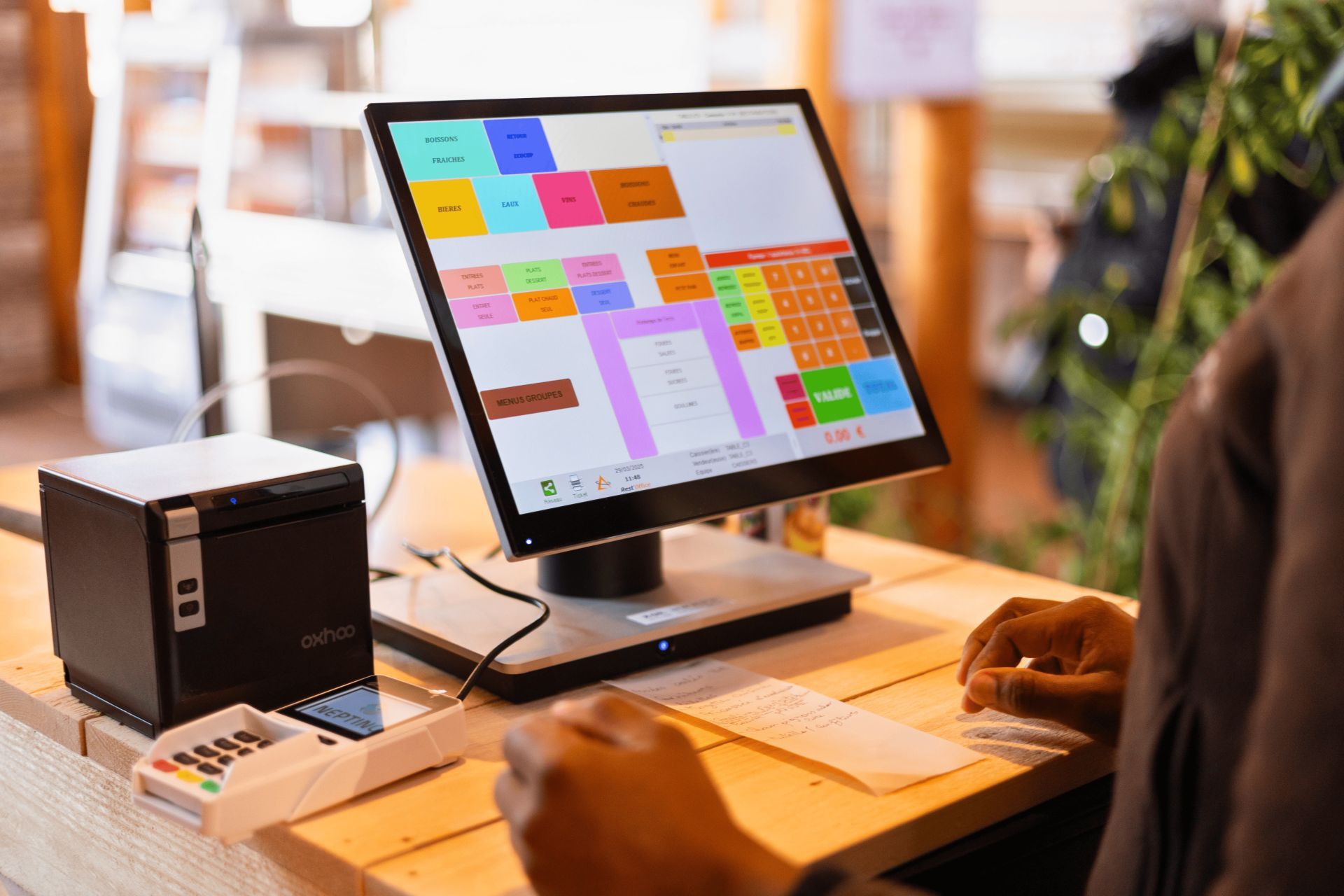
This is software installed on a tablet, a computer or a touch-screen terminal, often connected to a receipt printer, a cash drawer and a barcode scanner. But above all, it is connected to the rest of your management: every sale removes the item from stock, feeds your revenue, updates the customer account if it's a credit sale, and flows into your dashboards.
The fundamental difference: a cash register records amounts, POS software records sales, with the items, the salesperson, the customer, the payment method and the time.
What POS software does, day to day
1. Fast, error-free sales
- Barcode scanning or selecting items on a touch screen, with photos for products without a barcode (bread, single drinks, bulk goods).
- Automatic calculation of the total, discounts and change to give.
- Prices always up to date: a price change is made once, in the software, and applies immediately to all tills. No more salespeople who "remember" the old price.
- Receipt printed or sent by SMS or WhatsApp.
The result: the queue moves faster, especially at peak times, and calculation errors disappear.
2. All payment methods, in one place
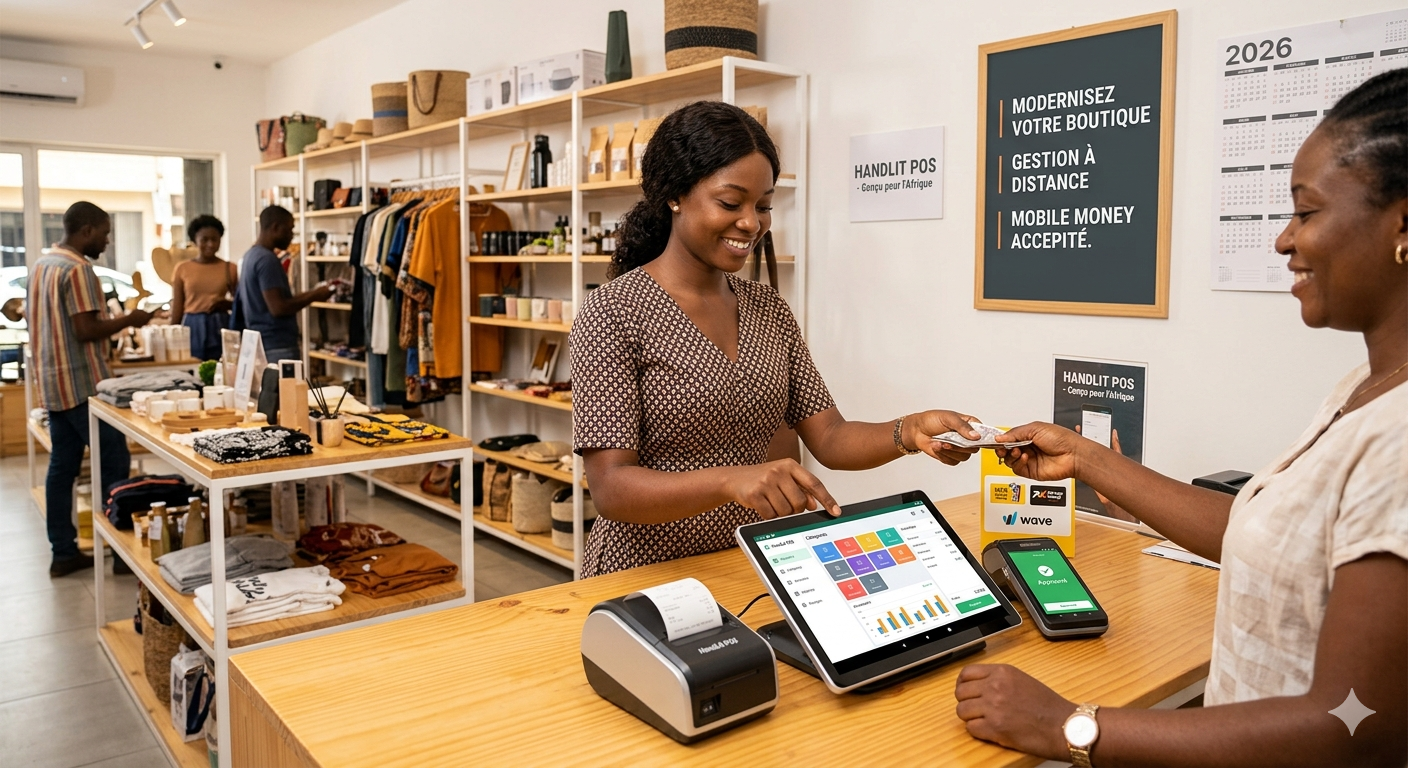
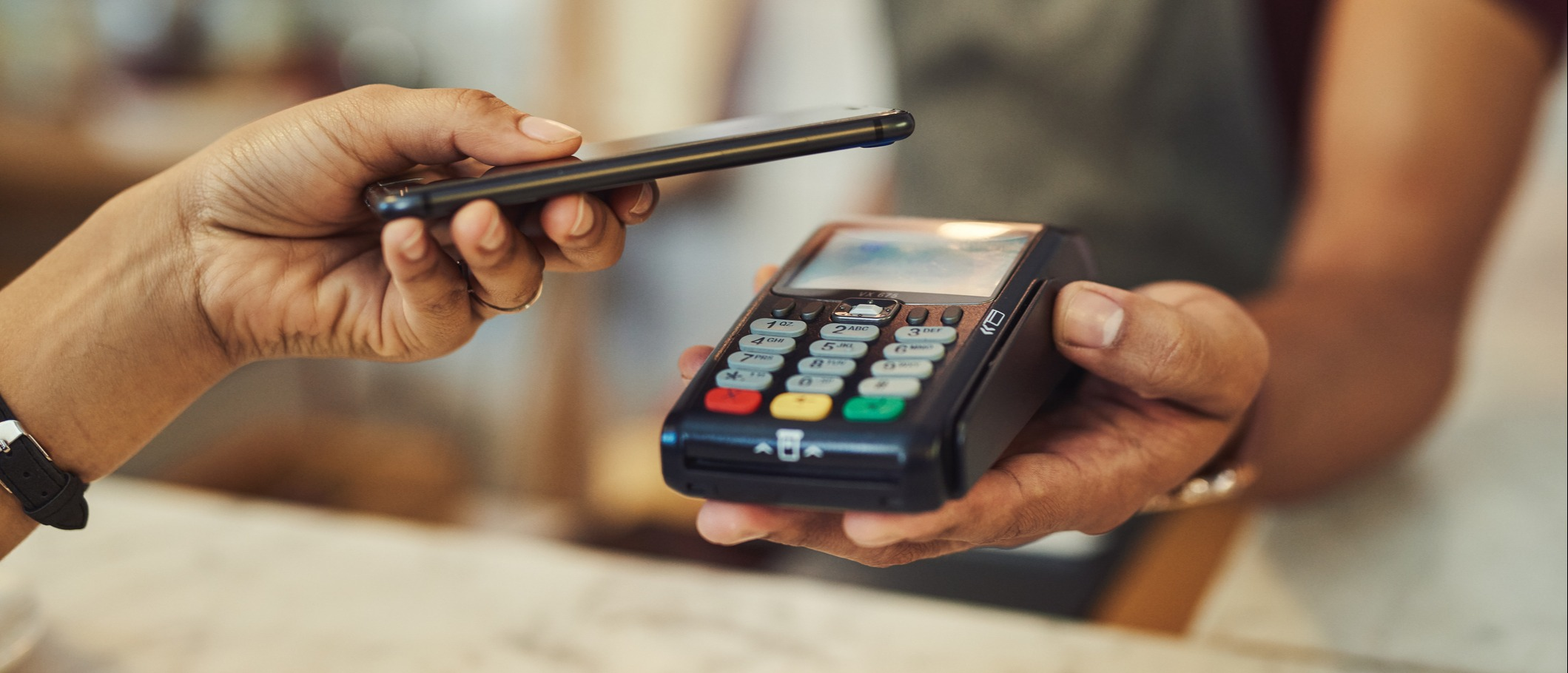
In Douala and Yaoundé, a customer may pay in cash, with MTN Mobile Money, with Orange Money, by bank card, or with a mix (part cash, the rest MoMo). POS software adapted to the market:
- records each payment method separately;
- accepts mixed payments on the same sale;
- keeps the reference of each Mobile Money transaction, so it can be checked;
- in the most advanced solutions, automatically confirms the mobile payment, without the cashier having to check an SMS.
This last point is crucial: Mobile Money payments received on an employee's personal phone are one of the leading sources of losses in shops. We'll dedicate a full article to this: "Mobile Money (MTN MoMo, Orange Money): how to integrate mobile payments into your management and your till".
3. Credit sales under control
Credit sales are part of Cameroonian retail: loyal customers, neighbours, local businesses. With POS software:
- each credit sale is linked to a customer profile;
- each customer's balance is visible at any time;
- a credit limit can be set, with an alert (or a block) when it's reached;
- partial repayments are recorded and reduce the balance.
The credit notebook disappears, and with it disputes such as "but I already paid last week".
4. Daily till closing
Every evening, the software produces a closing report: the day's sales by payment method, discounts granted, cancellations, credit sales, debt repayments received. The cashier counts the drawer, enters the amount, and the software calculates the discrepancy with what should have been collected.
A 2,000 FCFA discrepancy one day is a change error. A discrepancy that keeps recurring, with the same cashier, at the same times, is information. And it's available that same evening, not at the end of the month.
5. Automatic link with stock
Every sale removes the item from stock. So you know at all times what's left on the shelves, and the software can alert you before you run out. It's the foundation of the whole method presented in our guide Stock management for shops in Cameroon: the method to stop stock-outs and theft.
6. Your business, from your phone
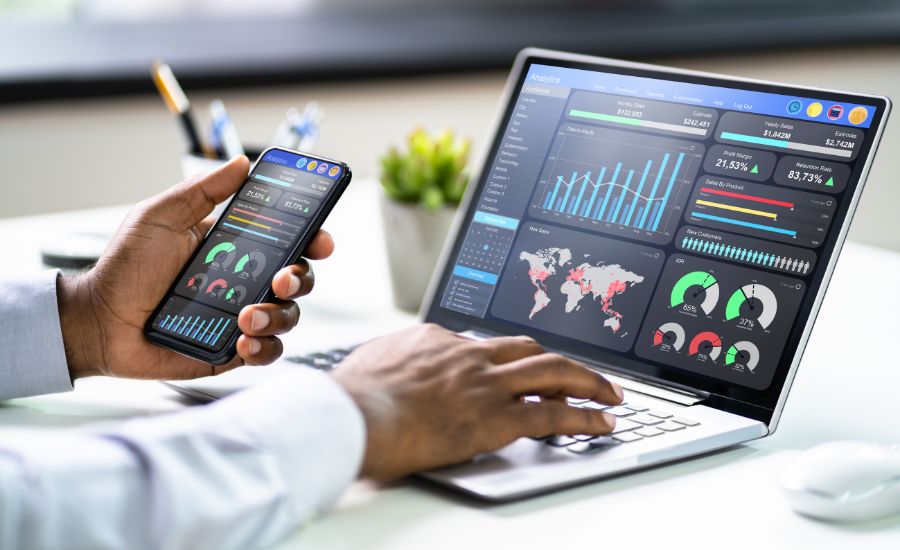
The day's sales, the amount in the till, best-selling items, closing discrepancies: everything can be checked from your smartphone, whether you're at the market buying stock, in your second shop, or travelling. For a manager who can't be behind the counter all day, it's often the most appreciated benefit.
The 6 till frauds that software makes visible
Let's be frank: the till is the most exposed place in your business. It's not about suspecting your employees, but about setting up a system where classic frauds become difficult and visible. Here are the most common ones, and what the software does against each.
| Fraud | How it works | What the software does |
|---|---|---|
| The unrecorded sale | The customer pays, nothing is entered, the money goes into a pocket | The unrecorded sale creates a stock discrepancy, detected at the cycle count |
| Cancellation after payment | The sale is recorded, paid, then cancelled | Cancellations are tracked per cashier and can require the manager's approval |
| Abusive discounts | A discount given to friends and family, or a fictitious one to pocket the difference | Discounts capped per profile, tracked, approved above a threshold |
| Diverted Mobile Money | The customer pays to the salesperson's personal number | Payment only to the merchant account, reference recorded, reconciled at closing |
| Opening the drawer without a sale | The drawer is opened "to make change" | Every opening is recorded with the cashier's name and the time |
| The wrong item entered | An expensive item is sold, a cheap item is entered | Barcode scanning enforces the right item and the right price |
The key to this setup is personal logins: each cashier logs in with their own code. Every operation is linked to a person. It also protects honest employees: if there's a discrepancy, you know who was on the till, and the whole team is no longer under suspicion.
What equipment do you need?
POS software works with fairly simple equipment. Depending on your business, you'll need all or part of this list:
- A screen: an Android tablet, a laptop or a touch-screen POS terminal. For a small shop, a tablet is often enough.
- A thermal receipt printer: it uses no ink, only thermal paper. Choose a model whose rolls are easy to find in Douala and Yaoundé.
- A cash drawer, which opens automatically at the end of a sale.
- A barcode scanner (handheld), wired or wireless. On a tablet, the camera can do the job in a pinch, but a handheld scanner is much faster at the till.
- A UPS (uninterruptible power supply): essential given power cuts. It protects the equipment from outages and voltage fluctuations, and gives you time to finish ongoing sales.
- A connected scale, if you sell by weight (fruit and vegetables, meat, bulk goods).
- A customer display, so the customer can see the price and total: an appreciated gesture of transparency.
The cost of the equipment depends a lot on the number of tills and the range chosen. Our guide to management software prices in Cameroon helps you think in terms of total cost, equipment and software included.
The realities of Douala and Yaoundé your software must handle
POS software designed for Europe and installed as is in a Cameroonian shop quickly shows its limits. Here are the local requirements you absolutely must check.
Power and internet outages
This is the number one criterion. If your till stops when the connection drops, your salespeople go back to the notebook, and your whole system becomes wrong again. Insist on software that works offline: it keeps taking payments, printing receipts and removing stock locally, then syncs everything automatically when the connection returns. Combined with a UPS, it lets you get through a power cut without losing a single sale.
The test to do in a demo: ask the salesperson to turn off the Wi-Fi, make three sales, then restore the connection. If everything doesn't sync correctly, move on.
Mobile Money
Software that only knows "cash" and "card" isn't designed for your market. MTN MoMo and Orange Money must be full payment methods, with transaction references and reconciliation at closing.
Retail and wholesale
Many shops sell both retail and semi-wholesale or wholesale: the case of 24, the pack of 6, the single bottle. The software must handle multiple pack sizes and multiple price lists (retail price, wholesale price, loyal customer price), with automatic conversion in the stock.
Business customers
A company buying from you needs a compliant invoice, with its NIU and detailed VAT, not just a receipt. POS software must be able to turn a receipt into a compliant invoice in seconds. The rules are detailed in our article Compliant invoices in Cameroon: mandatory details (NIU, VAT) and the mistakes that lead to a tax reassessment. Also keep in mind the e-invoicing introduced by the 2026 finance law, being rolled out gradually (EDICOM analysis): software that already structures your sales properly will be much easier to adapt.
Changing teams
Staff turnover is common in retail. A new cashier must be able to be trained in an hour. The interface must therefore be simple, in French, with big buttons and item photos, and every new employee must get their own login from day one.
Managing several points of sale
A shop in Akwa, another in Deido, a depot in Bonabéri. Or a shop in Mvog-Mbi and another in Bastos. The software must let you track each point of sale separately and consolidate everything, with tracked stock transfers between sites.
Which businesses need POS software the most?
- Mini-markets and general food stores: many items, many transactions at the till, high exposure to errors and theft.
- Hardware stores: multiple pack sizes, retail and wholesale, business customers who ask for invoices.
- Cosmetics and hair extension shops: small valuable items, very exposed to theft, many variants (colours, lengths).
- Fashion and shoe shops: management of sizes and colours, seasonal items, dead stock to watch.
- Bakeries, pastry shops, restaurants and snack bars: very fast sales, products without barcodes, many small payments.
- Phone and accessories shops: high-value items, serial numbers, warranties.
- Multi-site businesses: when the manager can no longer be everywhere.
Some regulated sectors (notably pharmacies) have specific obligations: in that case, check that they're covered before choosing a tool.
How to choose your POS software: the checklist
Use this list during a demo, ideally with your cashier present:
- ✅ Real offline operation, tested by cutting the connection
- ✅ Mobile Money (MTN MoMo, Orange Money) and mixed payments
- ✅ Automatic link with stock and restocking alerts
- ✅ Personal logins per cashier, with rights per profile
- ✅ Controlled cancellations and discounts, approved above a threshold
- ✅ Till closing with discrepancies calculated per payment method
- ✅ Credit sales with customer profiles and limits
- ✅ Multiple pack sizes and price lists (retail, wholesale)
- ✅ DGI-compliant invoice generated from a receipt
- ✅ Multiple tills and shops with a consolidated view
- ✅ Remote access on a smartphone
- ✅ Simple interface, mastered by a new cashier in under an hour
- ✅ Local support that can be reached quickly in case of a problem (on a Saturday evening, that's when it counts)
- ✅ Export of your data at any time
To compare the available solutions, see our comparison of the 7 best sales management software in Cameroon. If your organisation is unusual (multiple shops, wholesale and retail, delivery rounds), our article custom or standard software: which should you choose? will help you decide.
Setting up POS software: the 5-step plan
- Prepare your catalogue: item list, selling prices, barcodes, photos for items without a barcode. It's the longest step, so do it before installation.
- Do an opening stock count: the software's stock must start from the stock actually counted. Our guide Shop inventory: how to do it 5 times faster with software explains how.
- Install the equipment and test: printing, drawer, scanner, UPS, and a connection cut test.
- Train the team and create logins: one hour per cashier is enough, plus a session for the manager on reports and closing.
- Retire the notebook: set a switchover date, and from that day on, every sale goes through the till. Keeping the notebook "just in case" guarantees two wrong systems.
FAQ
Does POS software work on a simple tablet? Yes. For a small shop, an Android tablet with a receipt printer is often enough. A cash drawer and a handheld scanner are then added depending on sales volume.
What happens during a power cut? With a UPS, the till keeps working long enough to finish ongoing sales, or even longer depending on its capacity. And if the software works offline, an internet outage doesn't block anything: everything syncs when the connection returns.
Will my cashiers manage to use it? Good POS software is simpler than a calculator and a notebook: you scan, take payment, and the receipt prints. Insist on a demo with your cashier, and choose the tool they pick up the fastest.
Does POS software replace my invoicing? It covers counter sales. For business customers, it must be able to issue a compliant invoice with NIU and VAT. Integrated solutions manage the till, invoicing and stock in a single system.
Can I track several shops at the same time? Yes, it's one of the big advantages: each shop has its own tills and stock, and you see everything in real time from your phone.
Conclusion: your till is the heart of your business
The till is where your money comes in. It's also where it can disappear without a trace. POS software turns this weak point into a control point: every sale is recorded, every payment is tracked, every discrepancy is visible that same evening, and your stock updates itself.
In Douala as in Yaoundé, the right POS software is the one that takes payments fast, accepts Mobile Money, survives power cuts, and that your cashiers adopt from day one.
At Alivaon, in Douala, we design till and point of sale (POS) software built for Cameroonian businesses: fast sales by scanning, MTN MoMo and Orange Money, credit sales, till closing with discrepancy control, personal logins, multiple shops and offline operation. It's connected to your stock management, your DGI-compliant invoicing and your sales management.

Be the first to leave a comment.