

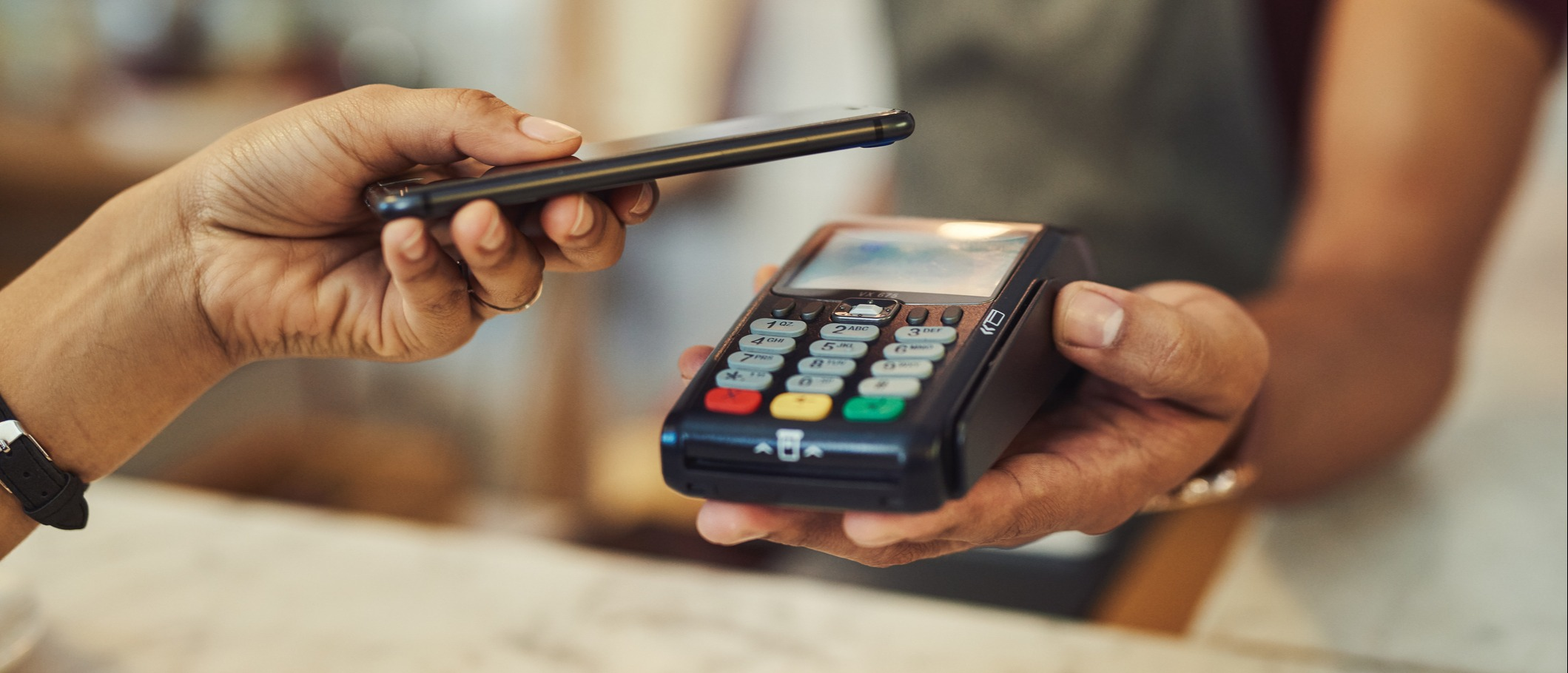
"It's done, I've paid, look at the message." The customer shows the cashier their phone: a confirmation SMS, the right amount, everything looks correct. The customer leaves with the goods. In the evening, when the account is checked, the money never arrived. The SMS was fake.
Or this other scene, even more common: to "go faster", a salesperson gives the customer their personal number. The money arrives on their phone. In the evening, they hand over part of it. Or all of it. Or none of it. Nobody can check.
Mobile Money has become one of the most widely used payment methods in Cameroon. But in many shops and SMEs, it's managed separately from everything else: on a phone, with screenshots, and reconciliation done in someone's head. The result: lost payments, fraud, and a till that never balances.
This guide explains how to truly integrate MTN Mobile Money and Orange Money into your till, your invoicing and your management: the three possible levels of integration, choosing between direct integration and an aggregator, how it works technically explained simply, and the security rules that put an end to losses.
Why Mobile Money can no longer be managed "on the side"
The weight of Mobile Money in the Cameroonian economy no longer needs proving. As early as 2020, Orange Cameroon alone claimed a 70% market share and cumulative monthly transactions of 800 billion FCFA, while MTN reported 5.6 million active MoMo customers in mid-2021 and more than 100,000 merchant points (Investir au Cameroun, via Osiris). These figures have kept growing since.
In practical terms, for your business, this means a significant share of your payments, sometimes the majority, no longer goes through the cash drawer. If your management system only sees cash, it only sees part of your business.
The 6 problems of poorly integrated Mobile Money
- Payment to a personal number. The company's money arrives on an employee's phone. Nothing guarantees it will be handed over in full.
- The fake confirmation SMS. A message imitating a payment confirmation, shown to the cashier. Without checking the account, it's impossible to detect.
- The screenshot as proof. A screenshot can be edited, or relate to an old payment. It's not proof.
- Impossible reconciliation. A 150,000 FCFA deposit arrives: which customer, which invoice, which sale? Without a recorded reference, nobody knows.
- Mixing personal and business. The manager collects payments on their own Mobile Money account. The shop's sales get mixed with their personal spending, and accounting becomes impossible.
- Forgotten fees. Fees deducted from payments or withdrawals are never recorded. The real margin is lower than the displayed margin.
Each of these problems has the same cause: the mobile payment isn't linked to the sale in your management system.
The 3 levels of Mobile Money integration
You don't need to automate everything from day one. There are three levels, from the simplest to the most advanced.
Level 1: the merchant account and proper recording
This is the essential minimum, and it requires no development:
- Open a merchant account in the company's name, with MTN and with Orange. No more personal numbers.
- Display the merchant number or code at the till, on invoices and on quotes.
- Record each Mobile Money payment in the software as a separate payment method, with the transaction reference.
- Check receipt on the merchant account before handing over the goods, never on the customer's phone.
This first level already eliminates the two most common frauds: the personal number and the fake SMS.
Level 2: systematic reconciliation
At this level, the management software lets you reconcile the recorded payments with the merchant account statement:
- every day, at till closing, the Mobile Money payments entered are compared with the transactions actually received;
- discrepancies appear immediately: a payment entered but never received, a payment received but never linked to a sale;
- transaction fees are recorded as an expense.
It's the same logic as closing the cash, applied to Mobile Money.
Level 3: automatic integration via API
This is the most advanced level: the till or invoicing software communicates directly with the payment platform.
- The cashier enters the customer's number and the amount.
- The customer receives a payment request on their phone and approves it with their PIN.
- The platform automatically confirms the payment to the software.
- The sale becomes "paid", the receipt prints, and the stock is updated.
The cashier no longer checks anything by hand, the customer no longer types a merchant number, and no fake SMS can fool the system: only the platform's confirmation counts.
| Level 1 | Level 2 | Level 3 | |
|---|---|---|---|
| Company merchant account | ✅ | ✅ | ✅ |
| Payment recorded with reference | ✅ manual | ✅ manual | ✅ automatic |
| Checking receipt | Manual | Daily reconciliation | Real-time confirmation |
| Protection against fake SMS | Good (if checked) | Good | Complete |
| Development required | None | Light (depending on the software) | API integration |
| For whom | All businesses, starting now | Businesses with regular Mobile Money volume | High volumes, e-commerce, multiple tills |
Prerequisite: the merchant account
Whatever level you're aiming for, it all starts with a merchant account in the company's name.
At Orange, for example, online payment (Web Payment) is reserved for officially registered Orange Money merchants, who subscribe to the offer at an Orange branch in their country, with a compliant identification file (Orange Developer). The documents required vary by operator and account type: generally plan for the company's registration documents (RCCM, registration certificate with the NIU) and the directors' ID. Check directly at an MTN and Orange branch for the up-to-date list and pricing conditions.
Immediate benefits of the merchant account:
- the money arrives in an account in the company's name;
- you have a complete statement of transactions, usable for reconciliation and accounting;
- you can restrict who has access to funds and withdrawals;
- it's the prerequisite for any automatic integration.
Direct integration or aggregator: how to choose?
To reach level 3, there are two routes.
Direct integration with each operator
Each operator offers its own technical interface (API):
- MTN offers the MoMo Open API platform, including a "Collections" product to collect payments and a "Disbursements" product to make payouts (MTN MoMo developer portal).
- Orange offers the Orange Money Web Payment API, reserved for registered merchants (Orange Developer portal).
Advantages: a direct relationship with the operator and, generally, the most competitive transaction fees for high volumes. Limitations: two separate integrations to develop and maintain, two contractual processes, and approval times that can be long.
Going through an aggregator
An aggregator is an intermediary that gives access to several operators (MTN, Orange, sometimes bank cards) through a single integration. In Cameroon, examples include Notch Pay, whose API covers MTN Mobile Money and Orange Money (Notch Pay documentation), or Y-Note, which presents itself as an official Orange Money aggregator in Cameroon since 2018 (Y-Note). Other players exist: compare them.
Advantages: a single integration for all operators, faster go-live, a single dashboard. Limitations: fees generally higher than going direct, and dependence on an additional intermediary.
The rule for deciding
- Small and medium volumes, need to move fast: the aggregator is often the most sensible choice.
- High regular volumes: direct integration becomes worthwhile, because the fee difference eventually exceeds the development cost.
In all cases, ask in writing for: the fee rate per operator, the payout time for funds to reach your account, the limits per transaction, and the quality of support in case of a stuck transaction.
How an integrated payment works (explained simply)
Without getting technical, here's what happens during a payment integrated into your till or invoicing:
- The request: your software sends the customer's number and the amount to the platform.
- Approval: the customer receives a notification on their phone and confirms with their Mobile Money PIN. They never share this PIN with the salesperson.
- The status: the payment goes through different states: pending, successful, failed, or expired if the customer doesn't approve in time.
- Confirmation: the platform automatically informs your software of the result (this is called a notification or webhook).
- Recording: your software marks the sale or invoice as paid, with the official transaction reference.
The point to watch: good software handles every status, not just success. A "pending" payment must never be considered paid. An expired payment must be able to be retried. And if the internet drops during the transaction, the software must be able to check the status when the connection returns, with no risk of double charging.
If your business suffers frequent outages, also plan a fallback mode: manual entry of the payment with its reference, then automatically checked during reconciliation.
Mobile Money in every part of your management
At the till
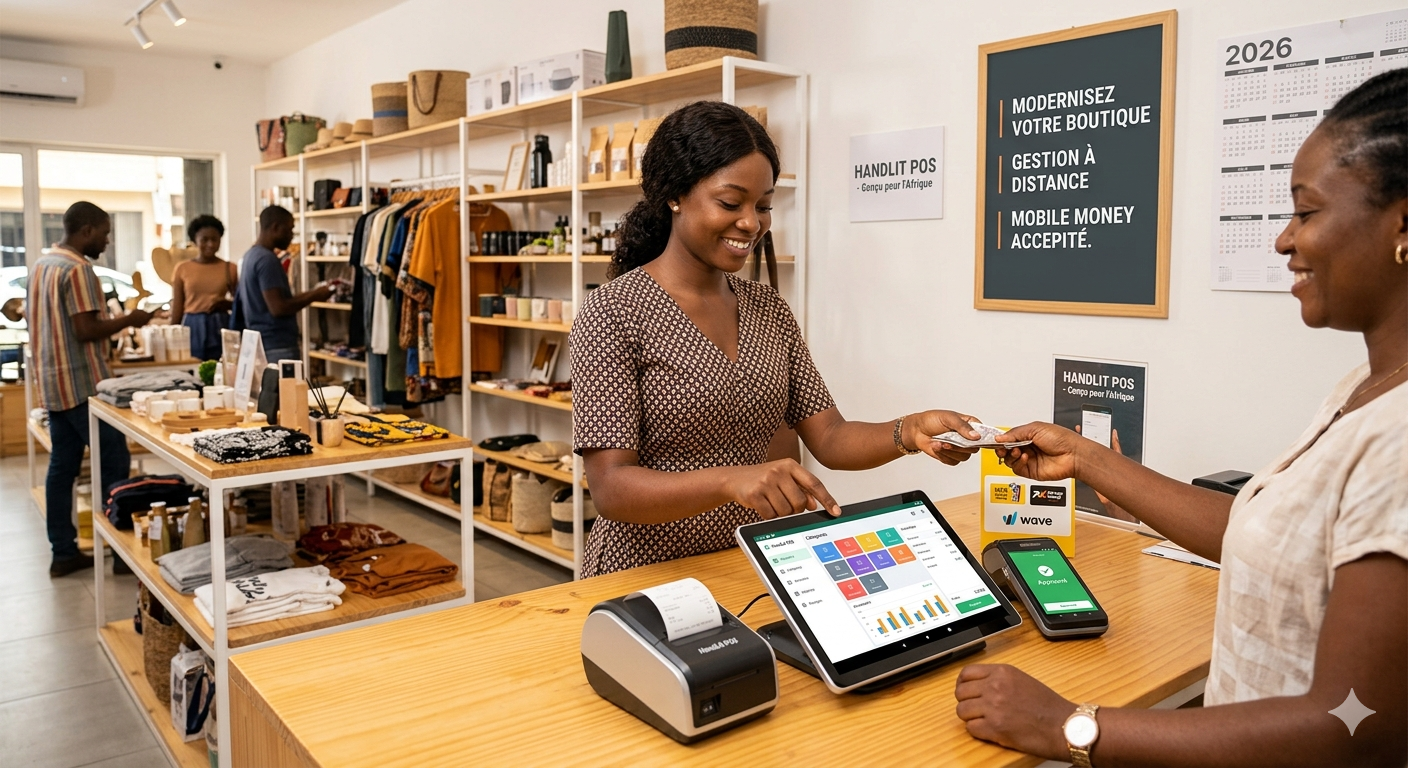
The cashier selects "MTN MoMo" or "Orange Money", enters the customer's number, and waits for the confirmation on screen. Mixed payments (part cash, the rest Mobile Money) are recorded on the same sale. At closing, the report separates cash, MTN, Orange and other methods. For everything about how the till works, see our guide POS software in Douala and Yaoundé: why your business needs it.
On invoices and reminders
The invoice sent to the customer displays Mobile Money payment instructions, or even a payment link. The reminder sent by WhatsApp or SMS contains the same link: the customer pays in seconds, and the invoice becomes "paid" automatically. It's one of the most effective ways to reduce your payment times, as explained in our article Invoicing software in Cameroon: automating quotes, invoices and customer reminders.
For credit sales
Repayments from a credit customer often arrive in several small Mobile Money amounts. Each payment is linked to their customer profile and reduces their balance, with no mental arithmetic.
For field sales reps and delivery staff
The delivery person collects payment at the customer's premises via Mobile Money, into the company's merchant account and not their own phone. The delivery and the payment flow into the software together. No more "bringing the money back" at the end of the round.
For your supplier payments
Paying your suppliers by Mobile Money or bank transfer rather than cash also has a tax benefit: the DGI excludes VAT deduction on purchases paid in cash above 100,000 FCFA (DGI VAT factsheet). The details are presented in our article VAT and filing on DGI Fiscalis. Have your accountant confirm the exact treatment of each payment method.
8 security rules to apply starting tomorrow
- Never a personal number to collect the company's sales. Only the merchant account.
- Never hand over goods based on an SMS or a screenshot from the customer. Only receipt on the merchant account, or the platform's confirmation in the software, counts.
- Record the reference of each transaction in the software.
- Restrict access to the merchant account: cashiers collect payments, only the manager (or a designated person) can withdraw or transfer.
- Reconcile every day the recorded payments with the merchant account statement.
- Record the fees for transactions and withdrawals as expenses.
- Never ask for or accept a customer's PIN. A customer must never share their PIN with a salesperson.
- Train the team to recognise fraud attempts, and display clearly at the till: "Payment only to the merchant number below".
Features to demand from your software
- ✅ MTN MoMo and Orange Money as separate payment methods
- ✅ Mandatory entry of the transaction reference in manual mode
- ✅ Mixed and partial payments
- ✅ Till closing split by payment method
- ✅ Reconciliation with the merchant account statement
- ✅ API integration (direct or via an aggregator) for automatic confirmation, if your volume justifies it
- ✅ Handling of every status: pending, successful, failed, expired
- ✅ Status check after an outage, with no double charging
- ✅ Payment links on invoices and reminders
- ✅ Recording of transaction fees
- ✅ Separate access rights for collecting and withdrawing
To compare the solutions on the market, see our comparison of the 7 best sales management software in Cameroon. Mobile Money API integration is often one of the areas where standard software shows its limits: our article custom or standard software: which should you choose? will help you decide. For budget, see our guide to management software prices in FCFA.
The 4-step action plan
- This week: open (or check) your MTN and Orange merchant accounts in the company's name, and display the merchant numbers at the till. Ban personal numbers.
- This month: record every Mobile Money payment in your software with its reference, and add Mobile Money to the daily till closing.
- Within 3 months: set up daily reconciliation with the merchant statement, and record the fees.
- When your volume justifies it: move to automatic API integration, direct or via an aggregator, in your till and your invoicing.
FAQ
Do I need a merchant account, or is my personal Mobile Money account enough? A merchant account in the company's name is strongly recommended. It separates the company's money from your personal finances, provides a statement usable for accounting, and it's the prerequisite for automatic integration.
How can I avoid fake payment SMS? Never hand over goods based on the customer's phone. Check receipt on your merchant account, or better still, use an integration where only the platform's confirmation validates the payment in the software.
Is it better to go through an aggregator or directly with the operators? To get started quickly with MTN and Orange in a single integration, the aggregator is often the simplest. For high regular volumes, direct integration can reduce fees. Compare fees, payout times and support in writing.
What happens if the internet drops during a payment? Well-designed software keeps the transaction "pending" and checks its status with the platform when the connection returns. It never considers it paid without confirmation, and never charges it twice.
Can Mobile Money work with my current till? At level 1 (recording with a reference), almost all POS software allows it. Automatic API integration depends on the software: ask for it explicitly during the demo.
Conclusion: a mobile payment must be linked to a sale
Mobile Money has made life easier for your customers. It can also make yours easier, on one condition: that it's linked to your management. A merchant account in the company's name, every payment recorded with its reference, daily reconciliation, then automatic confirmation when volume justifies it. That's what makes the difference between a payment you hope for and a payment you control.
At Alivaon, in Douala, we integrate MTN Mobile Money and Orange Money directly into our till and point of sale software, our DGI-compliant invoicing software and our custom sales management software: automatically confirmed payments, payment links on invoices, daily reconciliation and outage handling. All linked to your stock management.
👉 Review your Mobile Money payments: free diagnosis, reply within 24 hours

Be the first to leave a comment.