

A customer asks you for a quote on Monday. You prepare it on Wednesday in Word, copying an old template. They accept the following week; you redo everything as an invoice, retyping the lines. The invoice goes out on WhatsApp, then... nothing. Thirty days later, you realise it hasn't been paid. You send a reminder once, feeling awkward, then you forget. Six months later, those 350,000 FCFA have become a loss.
This scenario repeats itself every day in thousands of Cameroonian SMEs. The problem isn't a lack of rigour: it's a manual process, where every step depends on your memory and your free time.
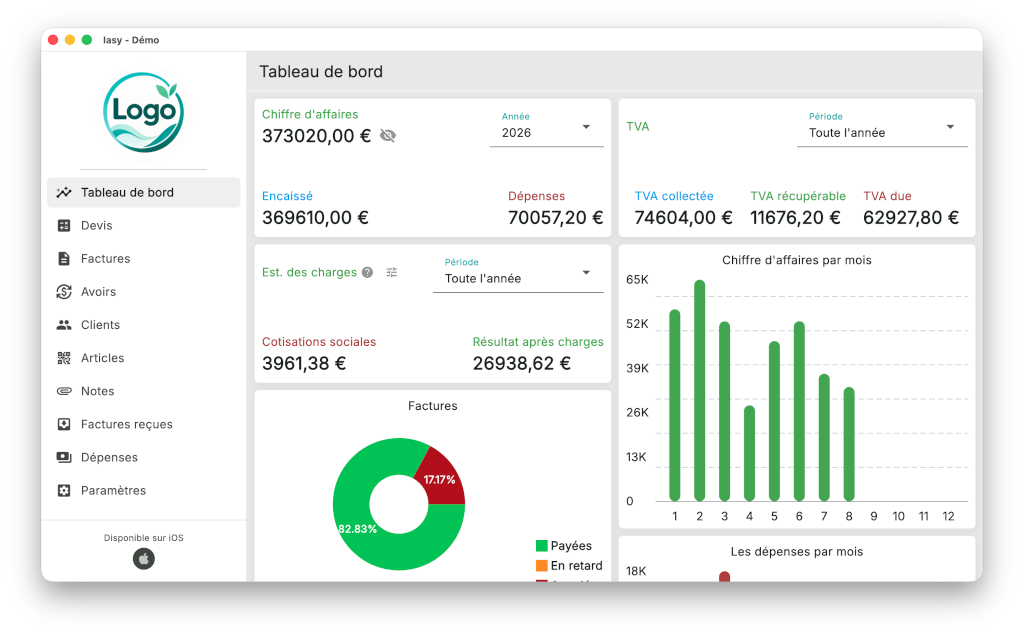
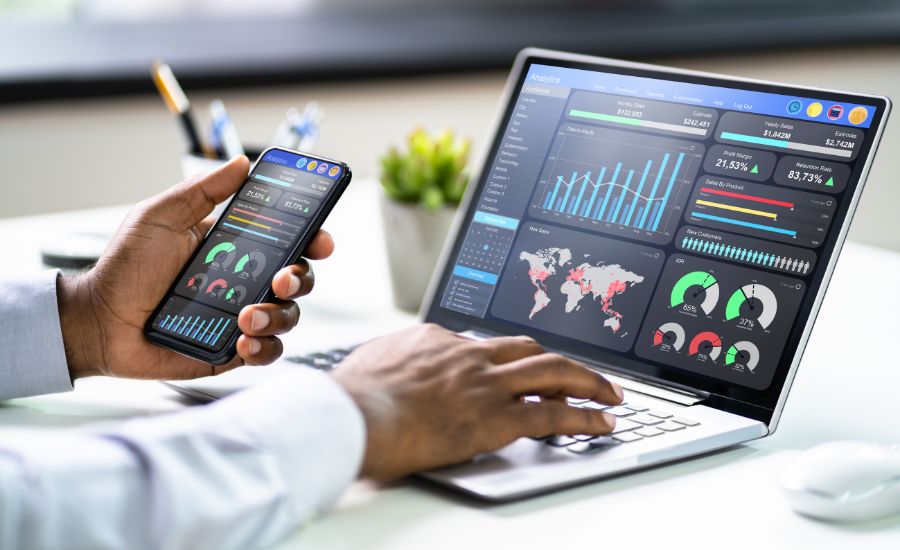
Invoicing software turns this process into an automatic chain: a professional quote in a few minutes, conversion into an invoice in one click, immediate sending, scheduled reminders, Mobile Money payments matched to the right invoice, and a dashboard that tells you every morning who owes you what.
This guide shows you, step by step, what can be automated, how to do it, and what it actually earns you in FCFA.
The tax compliance of your invoices (NIU, 19.25% VAT, numbering) is covered in detail in our article Compliant invoices in Cameroon: mandatory details and the mistakes that lead to a reassessment. Here, we focus on efficiency and getting paid.
The real problem: you're not short of sales, you're short of payments
In many SMEs, cash flow suffers less from a lack of customers than from an invoicing cycle that's too slow and poorly tracked receivables. Three leaks come up again and again:
- The quote → invoice delay. Every day between the customer's approval and the invoice being issued is one day less to get paid. A quote that takes three days to go out also gives a competitor time to respond before you.
- No reminders. Most late payments aren't bad faith: the invoice has simply slipped to the bottom of the pile. A customer who isn't reminded pays last.
- Unreconciled payments. An MTN MoMo deposit of 150,000 FCFA arrives: from which customer, for which invoice? Without reconciliation, you end up chasing a customer who has already paid (and annoying them), or believing an invoice is paid when it isn't.
Invoicing software tackles all three leaks at the same time.
The complete invoicing chain, from A to Z
Before automating, you need to see the whole chain. In well-designed software, each document flows from the previous one, with no re-entry:
Quote / pro forma → Purchase order → Delivery note → Invoice → (Credit note if needed) → Payment → Reminder if necessary
The key principle is document conversion: the accepted quote becomes a purchase order, then an invoice, keeping the lines, prices, discounts and customer. You enter it once, then convert it. This one principle alone eliminates most copying errors.
Let's look at each link.
Step 1: professional quotes in 5 minutes
What the software automates
- Item and service catalogue: your products, prices excluding tax, units and VAT rates are recorded once. Putting together a quote simply means selecting lines and quantities.
- Customer profiles: name, NIU, address, contact, usual payment terms - pre-filled automatically.
- Calculations: totals excluding tax, discounts, 19.25% VAT, totals including tax, with no risk of calculator errors.
- Layout: your logo, colours and legal details, always consistent. A well-presented quote reassures and gets signed faster.
- Validity period: each quote has an expiry date, and the software flags quotes nearing expiry with no response.
The automation that changes everything: quote follow-up
A quote sent and forgotten is a lost sale. The software sorts your quotes by status (sent, accepted, declined, expired) and can trigger an automatic sales follow-up: "Hello Mr Fotso, have you had a chance to review our proposal of 2 October? It remains valid until the 16th."
A management bonus: your conversion rate (quotes accepted / quotes sent) becomes visible. If it drops, you know you need to review your prices or your responsiveness.
Step 2: from order to invoice, in one click
When the customer accepts:
- The quote becomes a purchase order in one click.
- On delivery, the delivery note is generated (and, if your software also manages stock, the goods can be automatically removed from inventory - see our stock management page).
- The invoice is created from the delivery note: same lines, same prices, with a number automatically assigned in the chronological sequence.
Special cases the software handles for you
- Deposits: a 30% or 50% deposit invoice on ordering, then a final invoice that automatically deducts the deposit already paid. A classic in construction, events and custom work.
- Partial invoicing: delivery in several instalments, with each partial invoice linked to the original order and the amount still to be invoiced always visible.
- Recurring invoices: monthly maintenance, rental, subscriptions, security services... The software generates and sends the invoice automatically every month, on a fixed date. No more "I forgot to invoice October".
- Credit notes: a returned item or a goodwill gesture? You issue a credit note linked to the original invoice, never an edit to the invoice - that's the tax rule, and the software enforces it.
- Withholding at source: for public customers or companies that withhold VAT at source, the invoice clearly shows the amount excluding tax and the VAT, and payment tracking takes into account the amount actually paid.
Step 3: immediate sending, where your customers actually read
An invoice should go out on the day of delivery. The software sends it directly:
- By email as a PDF, with a personalised template message
- By WhatsApp, the most-read channel in Cameroon: a link to the invoice or the PDF shared in one tap
- By SMS: a short message with the amount, the due date and a link to view it
- On paper, neatly printed for customers who require it (notably public administrations)
Above all, the software keeps a record of the sending: date, channel, recipient. No more unverifiable "I never received your invoice".
Step 4: get paid faster with Mobile Money
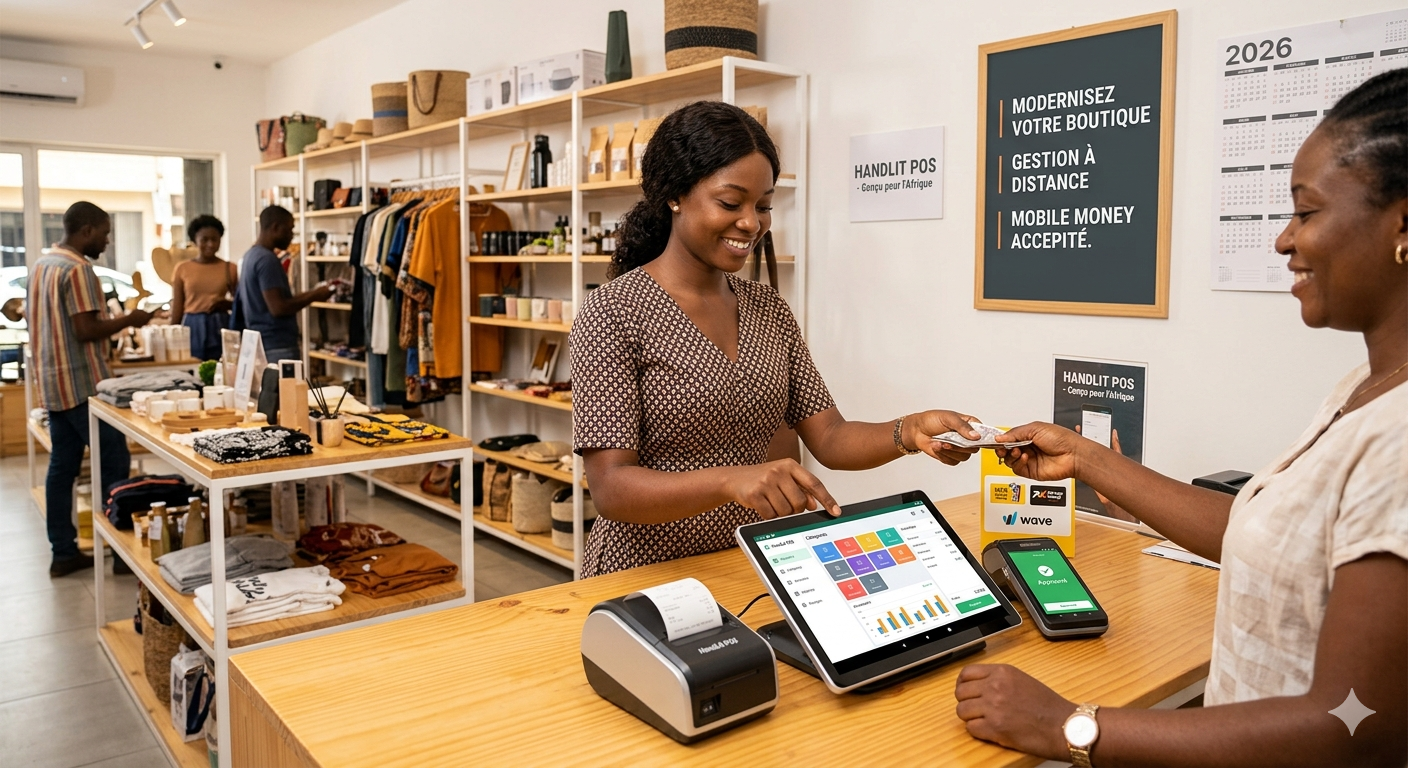
In Cameroon, a considerable share of B2C payments and an increasing number of B2B payments go through MTN Mobile Money and Orange Money. Invoicing software adapted to the market must take this into account at two levels:
Level 1 - proper recording. Each payment is entered with its method (cash, bank transfer, cheque, MoMo, OM) and transaction reference, then allocated to one or more invoices. Partial payments are handled: the invoice becomes "partially paid" with the remaining balance calculated.
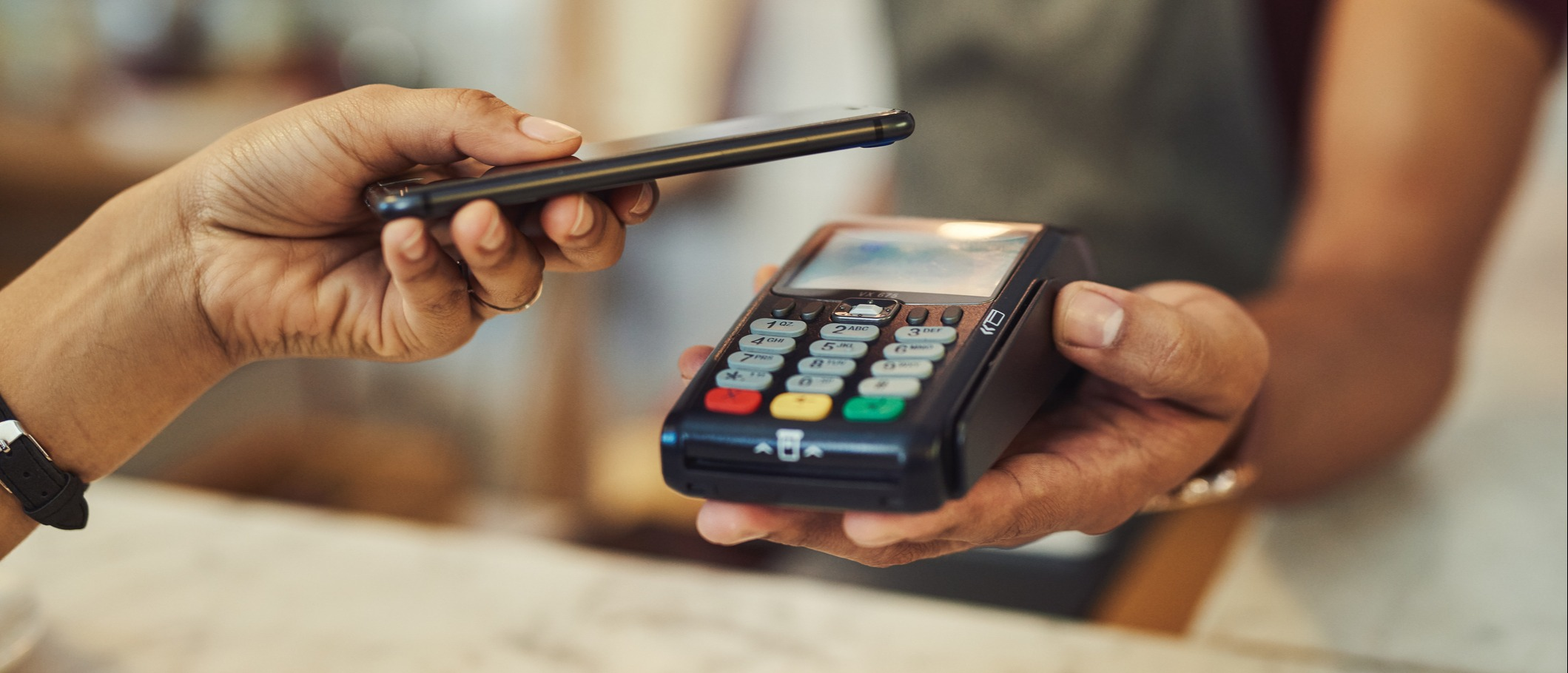
Level 2 - integration. The most advanced solutions display Mobile Money payment instructions on the invoice, or even a payment link, and automatically match the payment confirmation with the relevant invoice. The customer pays from their phone, and the invoice becomes "paid" without any intervention.
💡 Tax reminder on the purchasing side: for your own purchases, the DGI excludes VAT deduction when payment was made in cash above 100,000 FCFA (official DGI VAT factsheet). Traceable payments - bank transfer, Mobile Money - are also a tax safeguard.
We'll cover Mobile Money integration in a dedicated article: "Mobile Money (MTN MoMo, Orange Money): how to integrate mobile payments into your management and your till".
Step 5: automatic reminders, your best salesperson
This is the most profitable automation of all, and the most neglected. Chasing payments is unpleasant, so it's done badly or not at all. The software, however, has no qualms: it sends reminders at the right time, in the right tone, without ever forgetting.
A typical reminder scenario
| When | Channel | Tone | Example message |
|---|---|---|---|
| D-3 before due date | SMS / WhatsApp | Courteous reminder | "Hello, a quick reminder: invoice FA-2026-0418 for 594,759 FCFA is due on 15/10. You can pay by MoMo or bank transfer. Thank you!" |
| D+1 after due date | WhatsApp / email | Neutral statement | "Unless we're mistaken, invoice FA-2026-0418, due yesterday, remains unpaid. If payment is on its way, please disregard this message." |
| D+7 | Email + scheduled call | Firm and cordial | Reminder with the invoice attached and a request for a payment date |
| D+15 | Call from the manager | Personal | The software creates a "call the customer" task with the full history |
| D+30 | Formal notice letter | Formal | Letter generated automatically, to be adapted with your adviser if necessary |
The settings that make the difference
- Customisation by customer: your best customer of 10 years doesn't get the same scenario as a new customer. The software lets you exclude certain customers from automatic reminders or adapt the tone.
- Automatic stop: as soon as the payment is recorded, reminders stop. No risk of chasing a customer who has paid.
- Full history: every reminder is logged. In the event of a dispute or debt collection, you have a clean file.
- Sales block: beyond a certain delay or credit limit, the software can alert you (or block) before a new credit sale to the same customer.
In a context where credit sales are everywhere, this last point is often the one that saves the most money: it prevents you from deepening an already doubtful receivable.
Step 6: monitor your receivables at a glance
The last link turns your invoices into management information. Three indicators are enough to stay in control:
1. The aged receivables balance. This table sorts what your customers owe you by age: not yet due, 0-30 days, 31-60 days, 61-90 days, over 90 days. Rule of thumb: the older a receivable gets, the lower its chances of recovery. Anything past the 90-day mark deserves immediate personal action.
2. Days sales outstanding (DSO). How many days pass on average between the invoice and the payment? Simplified calculation: (customer receivables ÷ revenue including tax for the period) × number of days. Example: 6,000,000 FCFA of receivables for 18,000,000 FCFA of revenue including tax over 90 days → a DSO of 30 days. If this figure climbs month after month, your cash flow will suffer before you even feel it.
3. Top 10 debtors. Often, 3 or 4 customers account for most of the delays. Seeing them by name every week radically changes how you prioritise reminders.
On the tax side, the same software produces the month's output VAT summary in one click, ready for your return to be filed before the 15th of the following month (procedure detailed in this guide to filing VAT on Fiscalis by LeFisk).
What automation actually earns you
Take a services SME in Douala that issues 80 invoices a month, for 15,000,000 FCFA of monthly revenue, with an average payment time of 60 days. Conservative assumptions:
- Administrative time saved: going from 20 minutes per quote-invoice-sending cycle (copying, calculations, layout) to 5 minutes saves 15 minutes × 80 = 20 hours a month - several working days given back to sales activity.
- Cash freed up: if automatic reminders bring the payment time down from 60 to 45 days, that's 15 days of revenue coming in earlier, i.e. about 7,500,000 FCFA of cash no longer tied up with your customers. For an SME, that's often the equivalent of one less bank overdraft, with its interest charges.
- Losses avoided: a single 300,000 FCFA receivable saved each quarter thanks to a reminder that would never have been sent represents 1,200,000 FCFA a year.
By comparison, invoicing software costs from a few tens of thousands of FCFA a month (SaaS) to a one-off investment for a custom solution - details in our guide to management software prices in Cameroon. The return is measured in weeks, not years.
Automating quotes and invoices frees up time for growth work like marketing and business development. If you want to build those skills, this guide to a digital marketing program focused on AI and automation is a good starting point.
Features to demand from your invoicing software
Use this checklist during a demo:
- ✅ DGI compliance: NIU, legal details, 19.25% VAT, locked chronological numbering, linked credit notes
- ✅ Complete document chain: quote → order → delivery → invoice, with no re-entry
- ✅ Deposit, partial and recurring invoices
- ✅ Multi-channel sending: email, WhatsApp, SMS, printing
- ✅ Multiple payment methods including MTN MoMo and Orange Money, with partial payments
- ✅ Configurable automatic reminders per customer, with an automatic stop on payment
- ✅ Aged balance, DSO, top debtors and a monthly VAT summary
- ✅ Customer credit limit with alert
- ✅ Mobile use and tolerance of connection outages
- ✅ Ability to evolve towards the e-invoicing planned by the 2026 finance law (structured data, integration capability) - see EDICOM's analysis of e-invoicing in Cameroon
- ✅ Export of your data at any time
A standard tool often covers most of this list. If your needs go beyond it - internal approval workflows, prices by customer or channel, complex project invoicing, integration with your stock and your till - a custom tool becomes relevant. Our article custom or standard software: which should you choose? will help you decide, and our comparison of the 7 best sales management software in Cameroon presents the solutions on the market.
Getting started: where to begin?
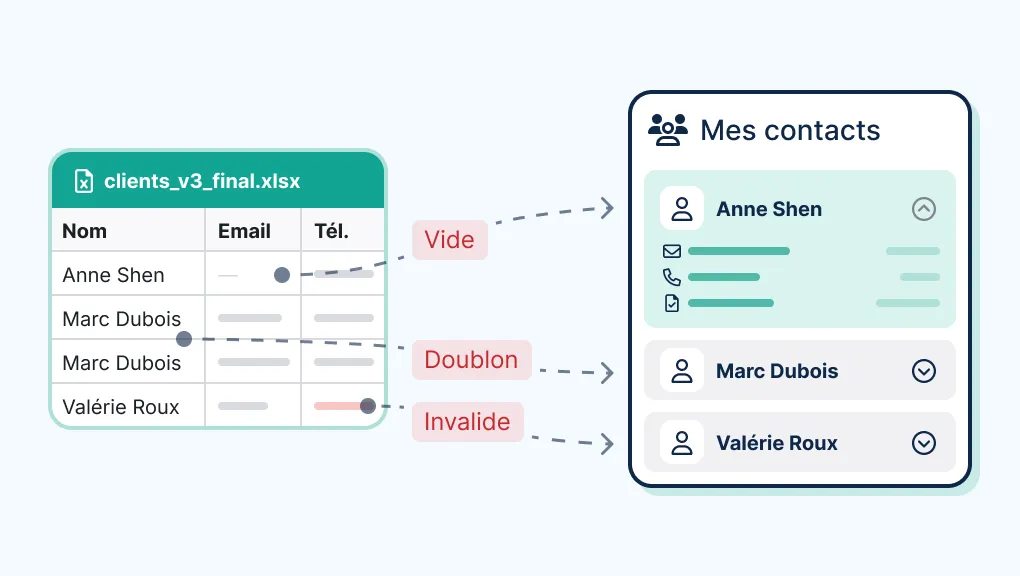
- Clean up your data: customer list with NIU and WhatsApp contacts, up-to-date item catalogue and prices.
- Have your invoice template validated once by your accountant, then configure it.
- Enter your unpaid invoices into the software: it's your first aged balance, and often a surprise.
- Turn on reminders gradually: first the D-3 reminder and the D+1 follow-up, then the full scenario.
- Set up a weekly ritual: 15 minutes on Monday to read the aged balance and call the top 3 debtors.
FAQ
Won't automatic reminders upset my customers? Not if they're well written: a courteous reminder before the due date is seen as a service. Keep a cordial tone, customise the scenario for your long-standing customers, and save firm messages for genuine delays.
Can invoices be sent directly via WhatsApp? Yes, it's one of the most effective channels in Cameroon. Depending on the software, sending is done by sharing the PDF, via a viewing link, or through a more automated WhatsApp Business integration.
Can my software handle customers who pay in instalments? Yes: each partial payment is allocated to the invoice, the remaining balance is recalculated and reminders apply to the balance. For credit sales with a payment schedule, a credit limit per customer is strongly recommended.
Is an invoice sent by WhatsApp or email valid? An invoice sent electronically (PDF) is still an invoice if it includes all the mandatory details. E-invoicing within the meaning of the 2026 finance law is a separate system, with transmission to the administration, being rolled out gradually: check your timetable on impots.cm.
How long does it take to be up and running? A few days with standard software and clean data; a few weeks for a custom solution integrated with your stock and your till, training included.
Conclusion: invoice fast, always follow up, get paid sooner
Automating your invoicing isn't an IT project: it's a cash flow project. Every day saved between the sale and the payment, every reminder sent without you thinking about it, every Mobile Money payment automatically matched to the right invoice, is money coming into your till sooner and more reliably.
At Alivaon, in Douala, we design DGI-compliant invoicing software that automates the whole chain: quotes, orders, invoices, deposits, recurring invoices, WhatsApp and SMS reminders, Mobile Money payments and a receivables dashboard. Standalone or integrated with your custom sales management and your till/POS.

Be the first to leave a comment.